
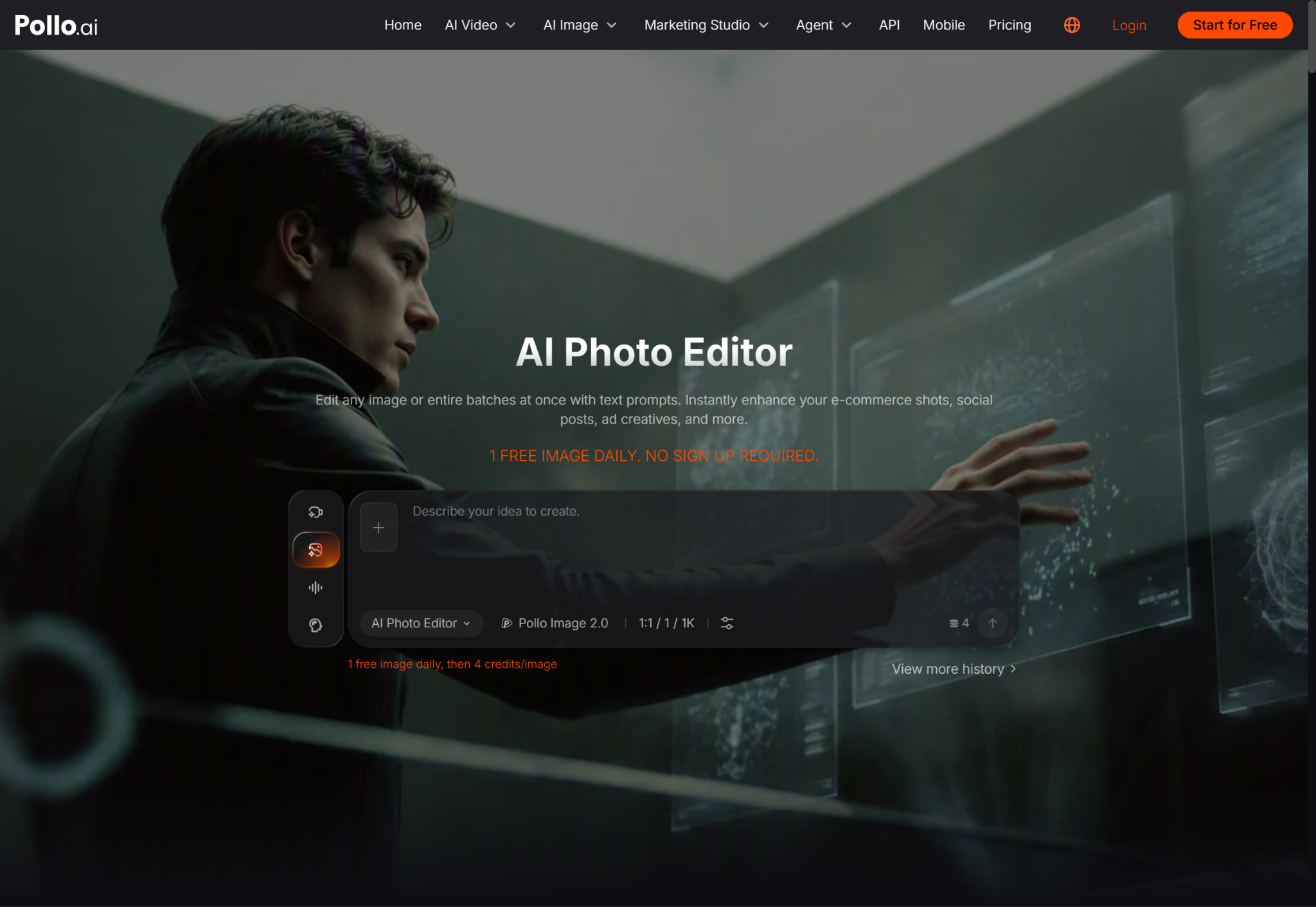
AI photo editing has gone from a niche experiment to something millions of people use casually every week — cleaning up a product shot, fixing lighting in a selfie, swapping a background before posting online. What gets far less attention is what actually happens to a photo once it’s uploaded: where it’s processed, how long it’s stored, and whether it’s used for anything beyond the edit you asked for. For anyone who pays attention to privacy and security, that’s the part worth understanding before the convenience becomes a habit.
Why Photo Uploads Deserve More Scrutiny Than People Give Them
A photo contains more than the image itself. Depending on how it was taken, it can carry embedded metadata — location coordinates, device information, timestamps — that most people never think to check before uploading. Combine that with facial detail, visible surroundings, or identifiable objects in the frame, and a single “harmless” edit can end up handing a third-party service more information than the user intended to share.
This isn’t a reason to avoid AI photo tools altogether — for most everyday uses, the risk is manageable. It is a reason to be deliberate about which tools you use and what their data practices actually are, rather than uploading images to whatever service loads first in a search result.
What a Privacy-Conscious User Should Actually Check
Before trusting any photo editing service — AI-powered or not — a few questions are worth answering:
Does the service state how long uploaded images are retained? Some tools process an image and discard it immediately after generating the result; others retain uploads for model training or quality review unless a user explicitly opts out.
Is there a clear policy on whether images are used to train future models? This matters more for anyone editing photos that include identifiable people, private property, or sensitive contexts, since a photo used for training can theoretically influence future outputs in ways that are difficult to trace back.
Does the platform strip or preserve metadata? Reputable tools generally strip EXIF data such as GPS coordinates during processing, but this isn’t universal, and it’s worth confirming rather than assuming.
Pollo AI’s AI photo editor is one option that publishes clear terms around image handling and data retention, which is worth checking directly rather than taking on faith — a habit worth applying to any AI service handling personal images, not just this one specifically.
The Deepfake and Manipulation Angle
Security-conscious readers are already familiar with the broader concerns around AI image manipulation — deepfakes, non-consensual edits, and synthetic media used for fraud or harassment. Mainstream photo editing tools sit adjacent to this conversation even when they’re used for entirely legitimate purposes like product photography or profile pictures. Understanding the difference matters: a tool built for background removal or lighting correction operates very differently, technically and ethically, from one built to generate synthetic likenesses of real people without consent.
Responsible platforms typically implement restrictions against generating content involving real identifiable people without authorization, and it’s reasonable to check a tool’s policy on this before using it, particularly if your work involves editing photos of other people rather than just your own images.
Choosing the Right Tool for a Lightweight Task
Not every photo task warrants the same level of scrutiny or the same tool. A full AI photo editor, built for more substantial changes like background replacement or lighting correction, is a different category from a lightweight tool meant for quick crops, filters, or fast touch-ups before a social post. LightX is a well-known option built specifically for this faster, simpler category of editing, and Pollo AI connects directly into it, letting users move between a fuller editor and a quick-edit tool depending on what a given image actually needs.
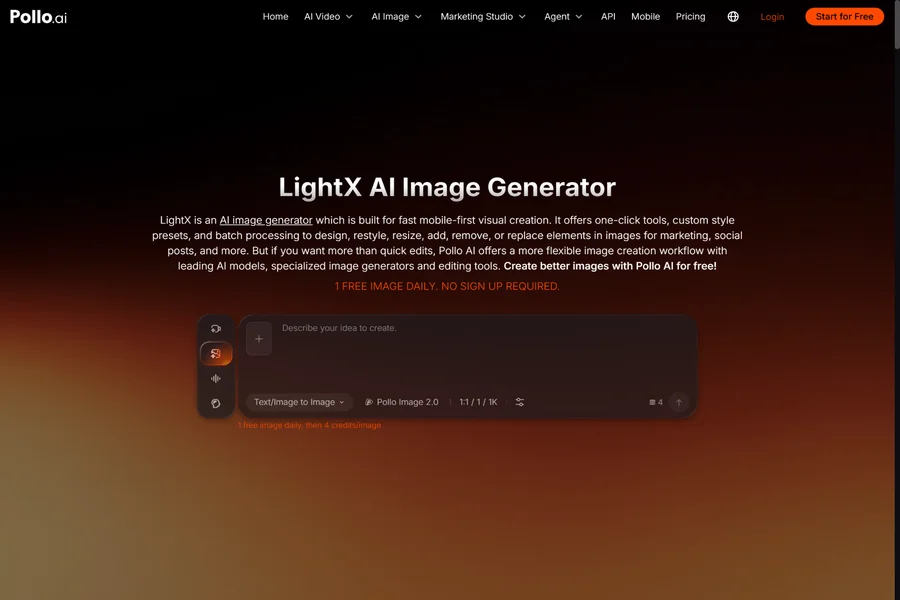
Even for lightweight edits, the same basic questions apply — what happens to the image after upload, and does the tool’s stated policy match how it actually behaves. Using LightX for a fast edit doesn’t exempt an image from the same privacy considerations as a more involved edit; it just means the task itself is smaller.
A Simple Habit Worth Building
For anyone who uploads photos to editing tools regularly, a short pre-upload checklist goes a long way: strip unnecessary metadata before uploading if the tool doesn’t do it automatically, avoid uploading images containing other identifiable people without their knowledge, and periodically review which services actually have access to your photo library through browser extensions, mobile app permissions, or cloud sync settings that may be broader than intended.
None of this requires treating every photo edit as a security incident. It requires the same basic diligence that already applies to any service handling personal data — reading the actual policy once, rather than assuming convenience and privacy are automatically compatible.
The Bottom Line
AI photo editing tools are genuinely useful, and for the vast majority of everyday uses — cleaning up a product photo, fixing lighting, quick background swaps — the privacy risk is low if you’re using a reputable service with a clear data policy. The mistake is treating that as a given rather than something worth confirming. A few minutes checking retention policies and metadata handling before your images pile up in a service’s servers is a reasonable trade for the convenience these tools genuinely provide.
